3D Print Quote
FDM, SLA, SLS, SLM or MJF: What Drives the Cost of Each 3D Printing Process
Each 3D printing process spends its time on different things: toolpaths in FDM, layers in SLA, build share in SLS and MJF, scanned volume in SLM. Here is how that shapes the price.
Serdar Kaan · 9 min read · 0 views
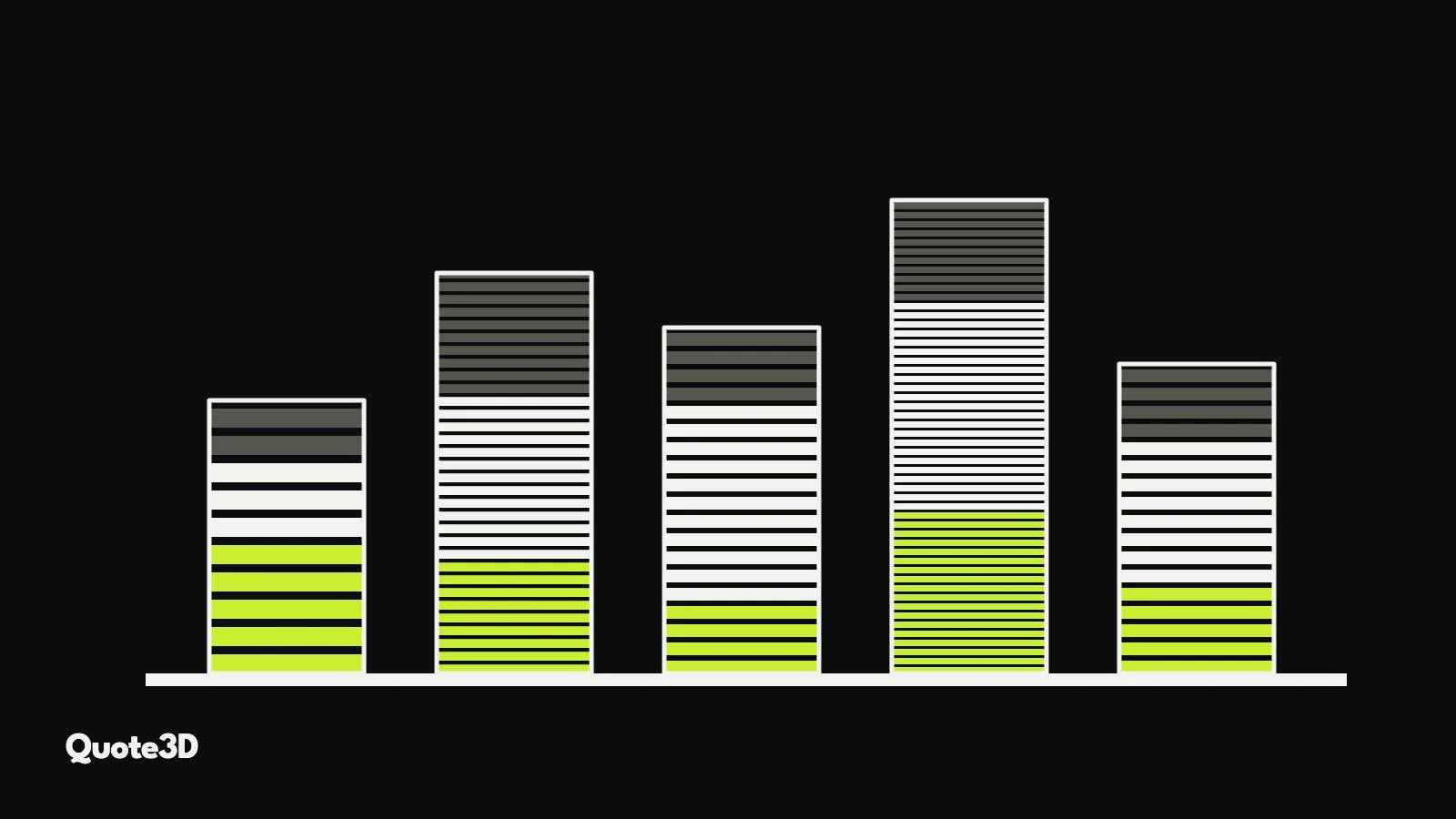
"How much does it cost to 3D print this?" has a different answer for every process, and not only because materials cost different amounts. Each technology spends its time on different things. In FDM the nozzle has to trace every line of the part. In MJF the printhead crosses the whole bed once per layer whatever is on it. If you price all five the same way, for example by part volume times a rate, some quotes will be too cheap and others will lose you the order.
This article goes through FDM, SLA, SLS, SLM and MJF and asks the same three questions of each: what takes time, what consumes material, and what changes when the customer orders ten instead of one. For the general formula (material, machine time, labour, energy, margin), see how to price 3D printing services accurately.
The short version
| Process | Time is driven by | Material is driven by | Quantity effect |
|---|---|---|---|
| FDM | Length of every toolpath: walls, infill, supports, travel | Extruded volume, including supports | Little: each part is printed line by line |
| SLA (masked) | Number of layers, so part height, plus peel or tilt per layer | Part volume, supports and pad | Strong: parts side by side share the layers |
| SLS | Laser scan area per layer plus recoating per layer | Part volume plus powder that cannot be reused | Strong: parts nest in 3D in one build |
| SLM (metal) | Scanned volume, divided by the number of lasers, plus recoating | Part volume, supports and powder loss | Moderate: parts share a plate and recoats |
| MJF | Build height only: every layer takes the same time | Part volume, agents, powder refresh | Strong: the bed is the unit you pay for |
FDM: you pay for the toolpath
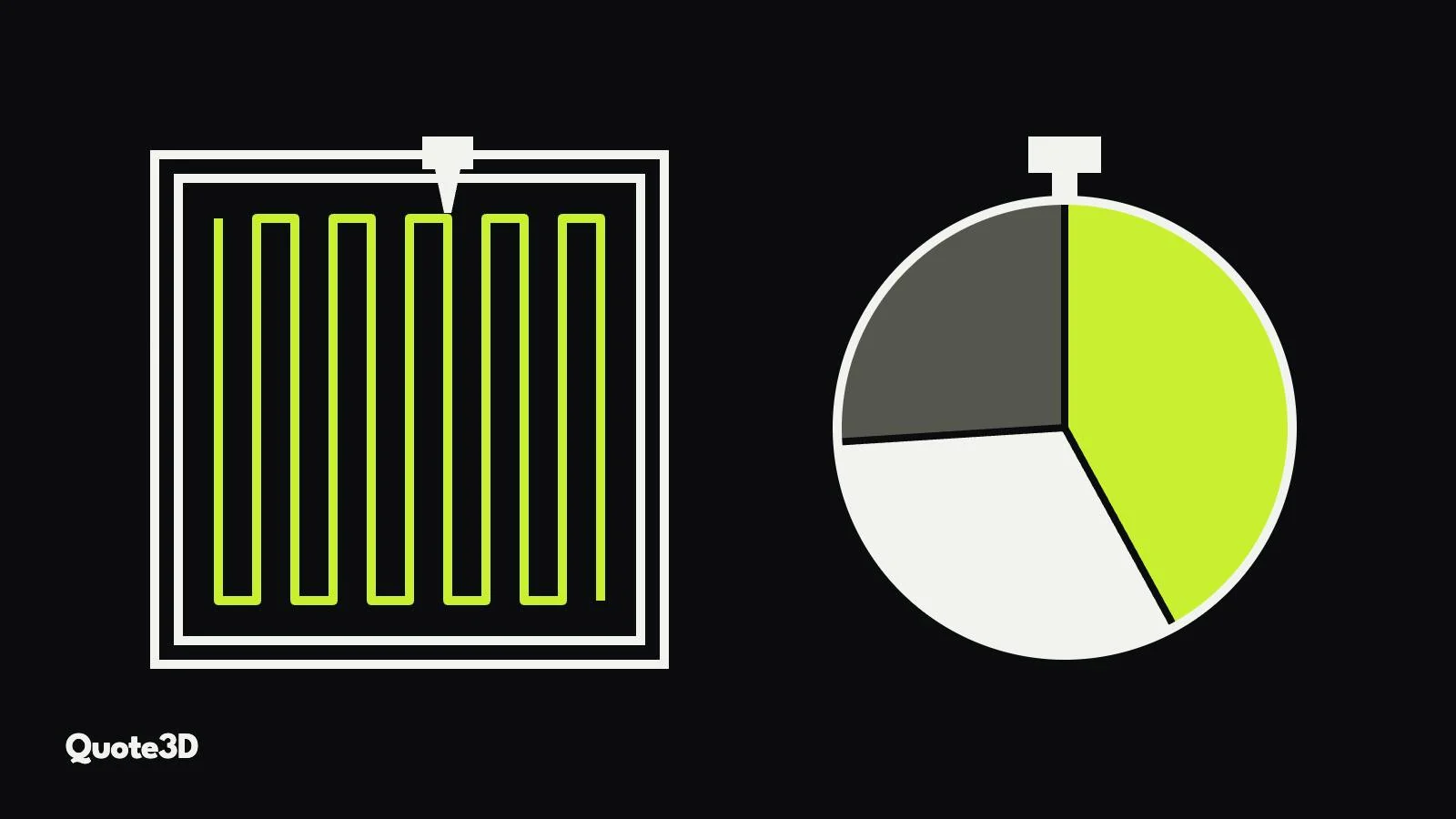
An FDM printer builds the part by moving a nozzle along every wall, infill line and support. Print time therefore depends on how long those paths are and how fast the machine can follow them, and the second part matters more than people expect. A printer rarely reaches its set speed on short segments: it accelerates, slows for corners and travels between islands. Two parts with the same volume can differ greatly in time if one is a solid block and the other a lattice of thin features.
The settings the customer can see change the price directly:
- Layer height: halving it roughly doubles the number of layers and the length of every wall.
- Infill density and pattern: more infill means more extrusion and more time. Patterns differ too; gyroid and honeycomb are longer paths than a simple grid at the same density.
- Walls: extra walls add strength and time, and on small parts they can be most of the print.
- Supports: overhangs need support material that is printed, paid for and removed. Orientation decides how much.
Quantity helps less than in powder processes. Ten parts on one plate save some heating and setup, but the nozzle still traces every line ten times. That is why FDM quotes usually include a fixed fee per order and scale almost linearly with the number of parts.
SLA: you pay for the height
A masked SLA (MSLA) printer cures a whole layer at once through an LCD mask. The exposure time is the same whether the layer holds one small ring or the full screen of parts. What adds up is the number of layers, which comes from the part height and layer thickness, and the time to separate each layer from the vat film, the peel or tilt movement.
That has two consequences for pricing:
- Orientation changes time. A long part printed upright has many more layers than the same part lying down. Parts are usually tilted to reduce peel forces and supports, which adds height.
- Parts on the same plate share the time. Ten parts side by side take about as long as one, so the machine-time share per part drops sharply with quantity.
Material cost is the resin in the part plus the supports and the pad (the raft the supports stand on), and hollowing a large part with drain holes can cut resin use substantially. Post-processing, washing and UV curing, is a real labour cost and is best priced separately.
SLS: you pay for the layer and the space in the bed
In SLS a recoater spreads a thin layer of powder across the bed, and a laser scans the cross-section of every part in that layer. Time has two parts: the laser scanning, which grows with the area of the parts in each layer, and the recoating, which happens once per layer whatever the parts look like. On top of that come heating up before the build and cooling down after it, often hours each.
Because those fixed costs belong to the build, not to a part, the key question for SLS pricing is how much of the build a part occupies. Parts are nested in three dimensions, stacked and interlocked in the powder, so a full build can hold a large number of small parts. A fair quote charges each part for its share of the build, based on the space it needs rather than how it happens to be oriented.
Powder is the other cost. Unfused powder around the parts is partly reused, but some of it ages and has to be refreshed with new powder, which is why material cost in SLS depends on more than the part's own volume.
SLM: you pay for the scanned volume
Metal laser powder bed fusion (SLM, also called LPBF) works like SLS with a much more energetic laser and much finer layers. Manufacturers publish a theoretical build rate for their machines, and the formula is explicit. Nikon SLM Solutions' data sheet for the SLM 280 2.0, for example, defines it as layer thickness × scan speed × hatch distance × number of lasers.
Two things follow. First, scan time grows with the volume being melted, so solid metal parts are expensive and lightweighting pays off directly. Second, a machine with more lasers divides that time. The published figure does not include recoating, so a quote that uses only the build rate will underestimate tall parts with many layers.
Metal parts also need supports, both to hold overhangs and to conduct heat away, and those supports are melted, paid for and machined off. Powder losses and post-processing (stress relief, removal from the plate, support removal) belong in the quote.
MJF: you pay for the build height
HP Multi Jet Fusion has the most surprising time model. Instead of a laser tracing each part, a carriage crosses the whole bed once per layer, printing fusing and detailing agents and passing energy over it. The layer takes the same time whether the bed is empty or full.
HP's own numbers show this. The Jet Fusion 4200 data sheet gives a build speed of up to 4,115 cm³ per hour, and the footnote says it is based on a 0.08 mm layer and 7.55 seconds per layer. The bed is 380 × 284 mm, so one layer is 8.63 cm³ of bed volume, and 8.63 cm³ × (3,600 / 7.55) layers per hour comes to about 4,116 cm³ per hour. The published speed is simply bed area × layer thickness ÷ layer time; the shape of the parts does not enter it.
For pricing, that means the machine time of a build depends on its height, and each part's share depends on how much of the build it uses. Material cost includes the agents and the fresh powder needed to keep the refresh ratio, not only the part's volume.
Five pricing mistakes to avoid
- Volume times a rate for everything. It overprices tall thin parts in FDM and underprices them in SLA and MJF.
- Ignoring supports. In FDM, SLA and SLM, supports can be a large share of material and time.
- Charging a powder part for a full build. In SLS and MJF the customer should pay for their share of the build; a quote for a whole build loses small orders.
- Linear quantity pricing in powder processes. Ten parts in one build do not cost ten times one part.
- No minimum price. Very small parts can come out at a price that does not cover handling. A minimum per technology fixes that without touching larger quotes.
How Quote3D models each process
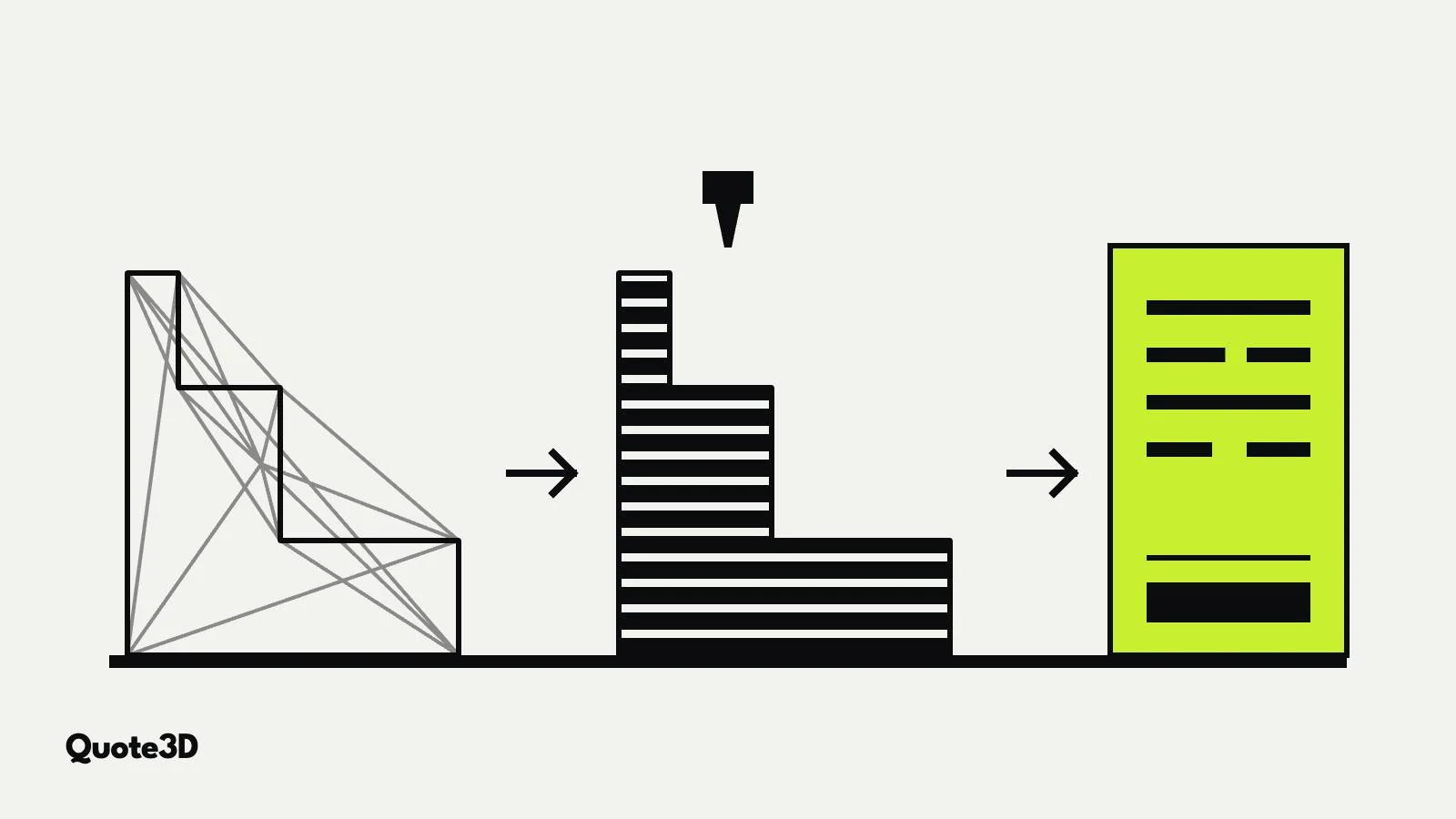
Quote3D calculates each technology with its own model: real slicing with a motion model for FDM, support generation, pad and peel time for SLA, laser scan and recoat time with 3D nesting for SLS, and the manufacturers' build-rate identities for SLM and MJF. Your machine rates, material prices, minimum prices, batching and post-processing fees are applied on top. The result is a quote that follows the cost structure of each process rather than a single formula.
You can try it on the home page demo, put it on your own site with the widget, or call it from your software through the API.
Frequently asked questions
Which 3D printing process is cheapest?
It depends on the part and the quantity. For one or two simple plastic parts FDM is usually cheapest. For many small parts SLA, SLS or MJF can be cheaper per part, because the parts share the machine time of one build.
Why does a taller part cost more in SLA and MJF?
Because these processes spend a fixed time on every layer. A taller part has more layers, and the machine time grows with the height, not with the volume of the part.
Why are metal parts so expensive?
The laser has to melt every cubic millimetre of solid metal in very thin layers, the parts need supports that are machined off afterwards, and both the powder and the machines are expensive. Reducing solid volume has a direct effect on the price.
How should quantity discounts work?
Follow the process. In powder processes and SLA, the saving comes from parts sharing one build, so the discount should come from the build calculation. In FDM, a modest discount tier on top of near-linear pricing usually reflects the real cost.