Quote3D for Shopify
A Custom Liquid block for Online Store 2.0 product templates. Shoppers upload a model and get an instant price, and the quote is added to the cart as a quantity of a unit-priced product, on every Shopify plan.
Store integrations are available on paid Quote3D plans.
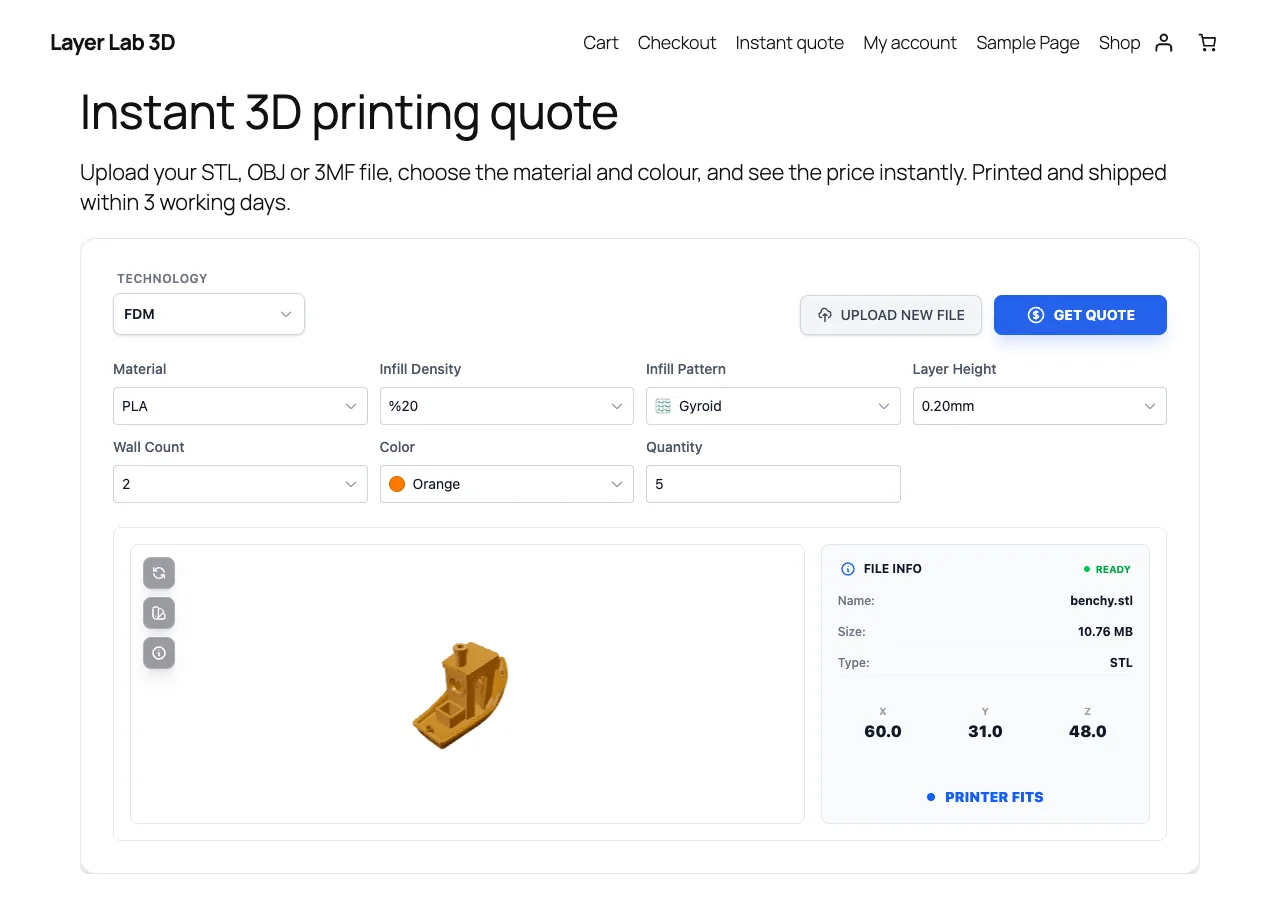
What you get
Works on every plan
No app to install: a Custom Liquid block in the product template of your 3D print product.
Unit-priced cart product
A 45.99 quote with a 1.00 product becomes 46 × 1.00. Use a 0.01 variant for exact amounts.
Quote ID on the order
The order shows the quote ID and the quoted price, so you can compare them with your Quote3D dashboard before printing.
Optional cart thumbnail
A small theme snippet shows the model thumbnail on cart lines.
Currency check
The widget refuses to add a quote whose currency differs from your shop currency.
Exact prices with Shopify Plus
Setting the exact line price automatically requires a Cart Transform function, which only Shopify Plus offers.
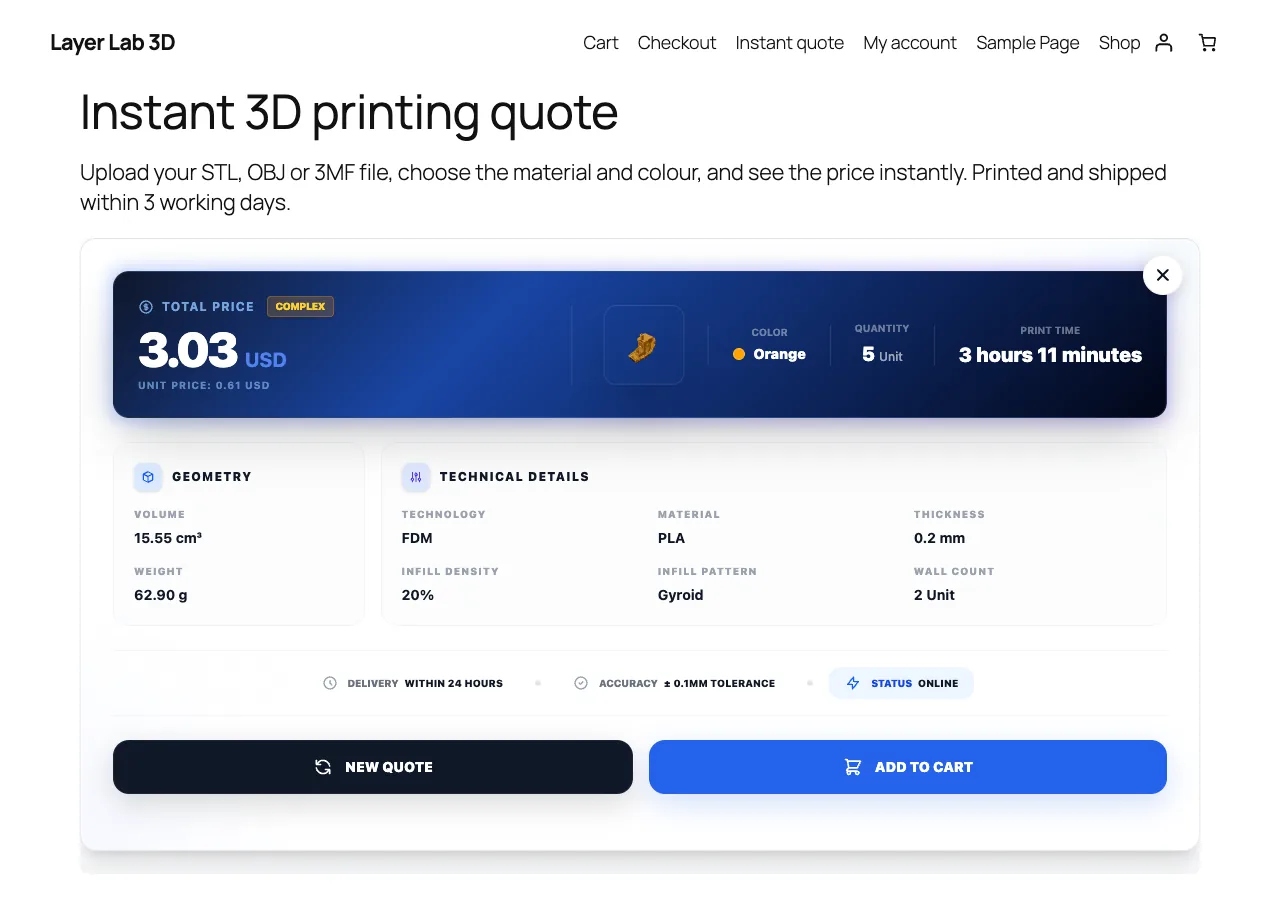
Screenshots
Requirements
- A Shopify Online Store 2.0 theme
- A unit-priced "3D print" product with inventory tracking off
- A paid Quote3D plan
- Shop currency that matches your Quote3D pricing currency
Installation
- 1Create a "3D print" product with one variant priced at 1.00 (or 0.01) and inventory tracking off.
- 2In Online Store › Themes › Customize, create a template for it and add a Custom Liquid block.
- 3Paste the code from your Quote3D dashboard (Widget › Shopify).
- 4Optionally add the cart thumbnail snippet to your theme.
Frequently asked questions
- Is the price verified on Shopify?
- Not automatically, because shoppers can change quantities in the cart. Compare the quote ID and quoted price on the order with your Quote3D dashboard before printing.
- Why is the quantity rounded?
- Shopify prices by product, so the quote becomes a quantity of the unit price. Use a 0.01 variant for exact amounts.
- Do I need Shopify Plus?
- No. Plus is only needed to set the exact line price automatically with a Cart Transform function.
- Which file formats and technologies are supported?
- STL, OBJ and 3MF files, priced for FDM, SLA, SLS, SLM and MJF printing with your own printers, materials and prices.
Other integrations
Take 3D printing orders on Shopify
Create a Quote3D account, set up your printers, materials and prices once, and connect your shop with two tokens.