Quote3D for Magento
A Magento Open Source and Adobe Commerce 2.4 module that shows the Quote3D configurator on product pages or as a CMS widget, adds each quote to the cart at the price verified on your server and brings quotes, production, catalogue and reports into the Magento admin.
Store integrations are available on paid Quote3D plans.
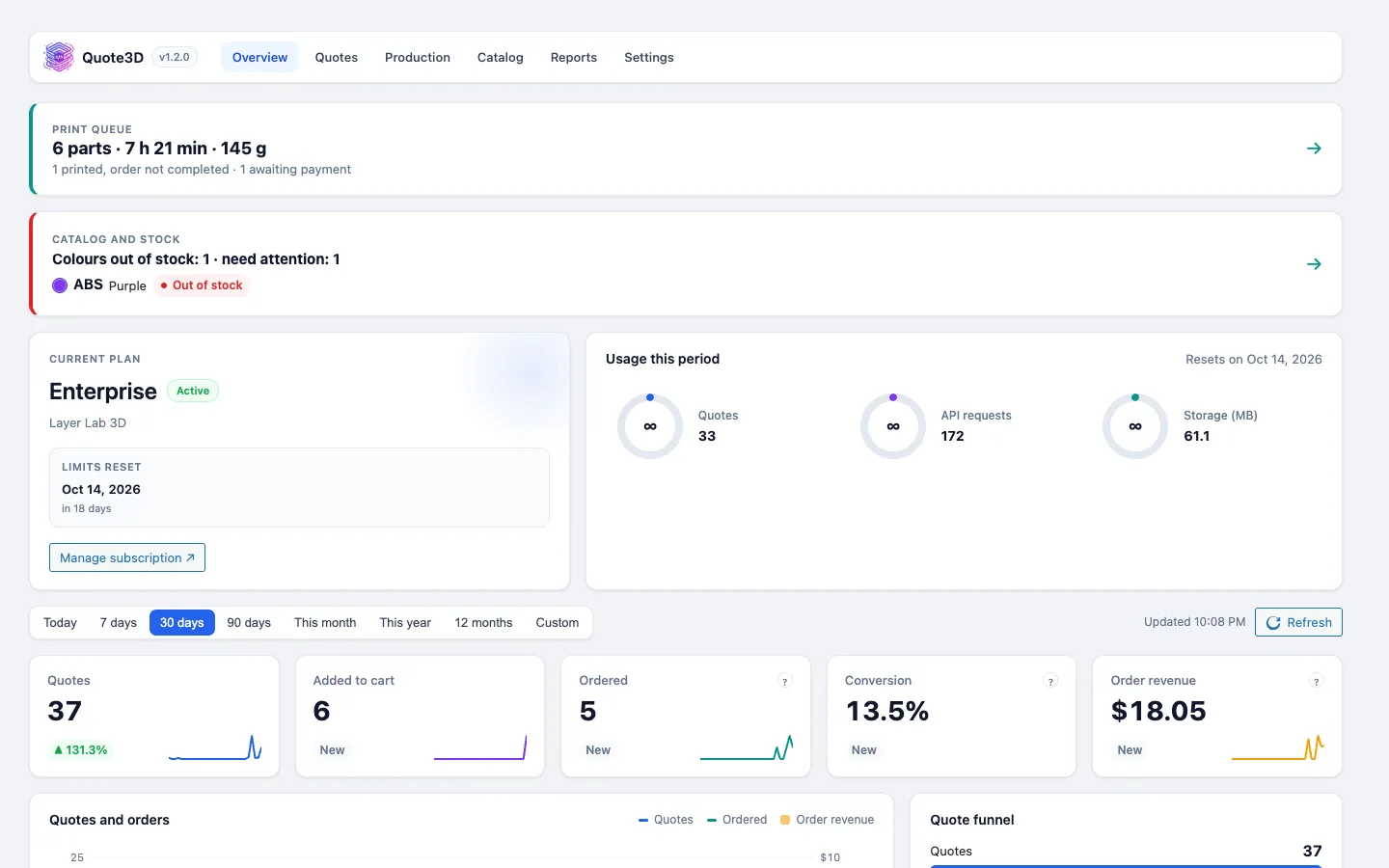
What you get
Verified cart price
Each quote is read again from the Quote3D API on your server and added as one cart line at quantity 1 and that price.
Quote3D admin menu
Overview, Quotes, Production, Catalogue, Reports and Settings in the Magento admin, with a setup wizard and a dashboard summary.
Product attribute and CMS widget
Set "Quote3D configurator" to Yes on a product, or add the Quote3D configurator widget to any CMS page.
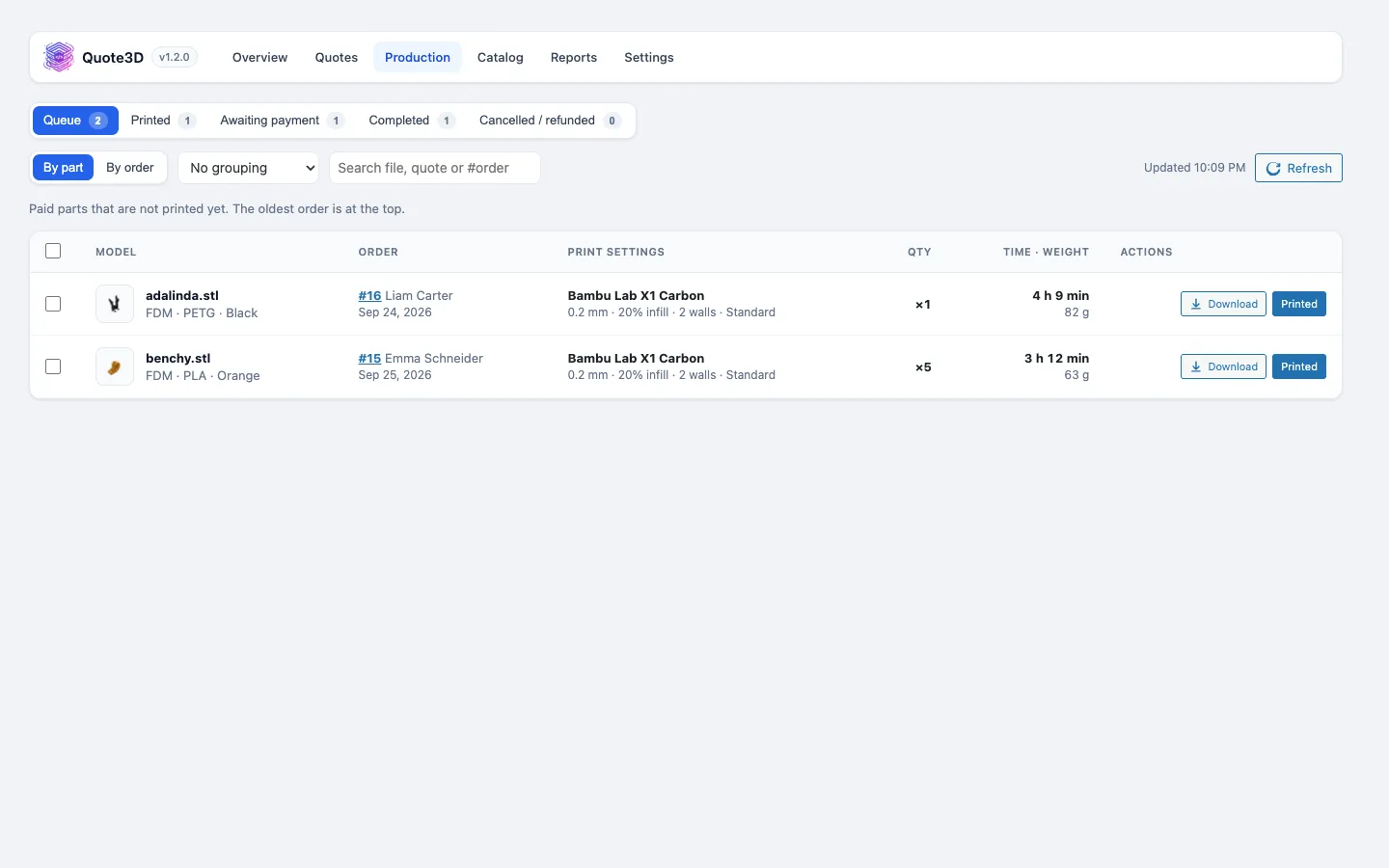
Shipment on completion
"Mark complete" creates the shipment, so Magento completes the order and emails the customer.
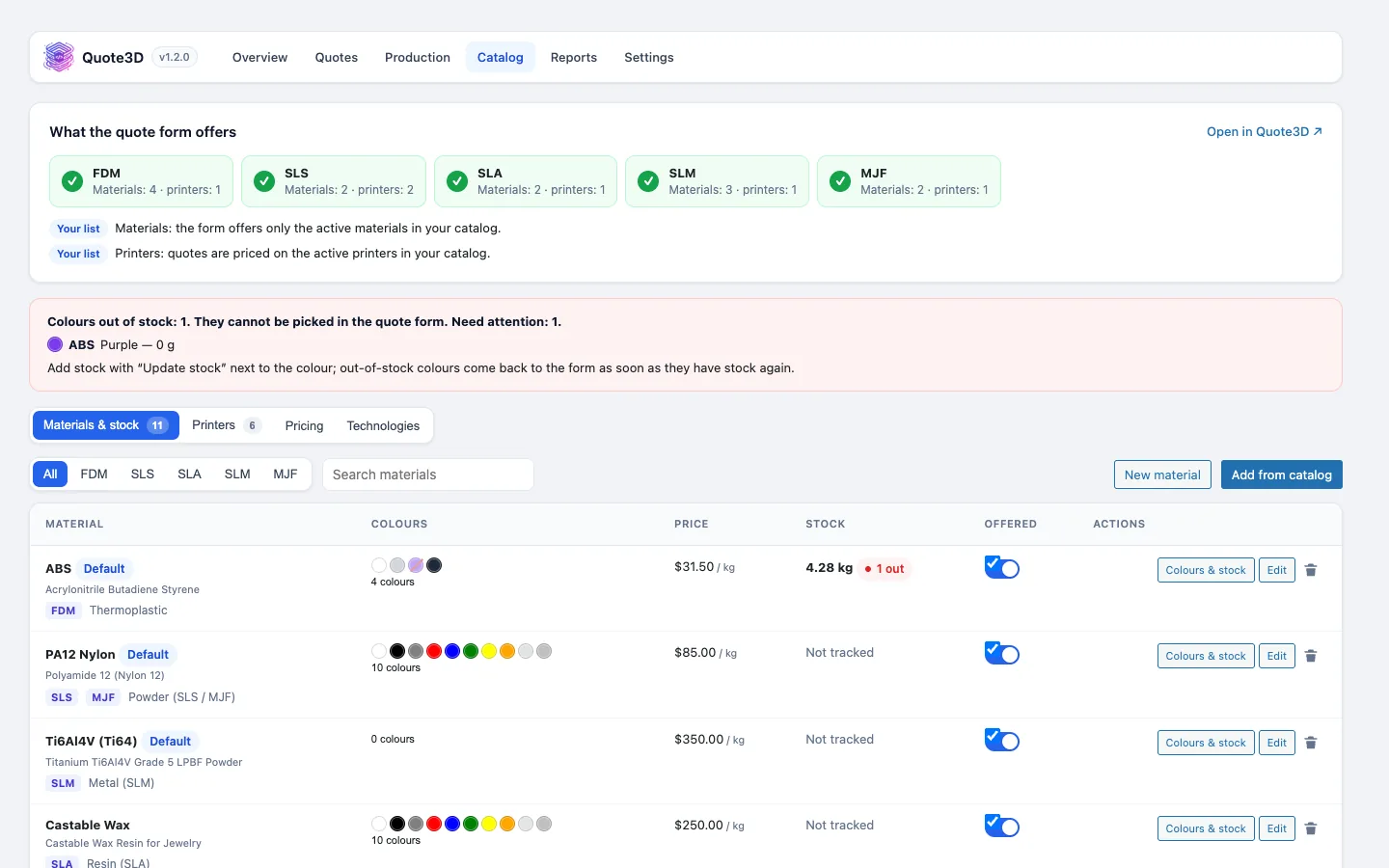
Colour stock that follows orders
Paid orders take colours out of your Quote3D stock, and cancelled or refunded orders put unprinted parts back.
Cron and signed webhooks
Background jobs run with Magento cron, and signed webhooks keep file deletions and usage alerts in sync.
Screenshots
Requirements
- Magento Open Source or Adobe Commerce 2.4.7 or 2.4.8
- PHP 8.1 or later
- A paid Quote3D plan (widget token and server token)
- Store currency that matches your Quote3D pricing currency
Installation
- 1Copy the package to app/code/Quote3D/Cart or install it with Composer.
- 2Run bin/magento module:enable Quote3D_Cart, setup:upgrade and cache:flush.
- 3Open Quote3D › Settings, paste your tokens and let "Create one for me" set up the cart product.
- 4Enable the configurator on a product, or add the widget under Content › Widgets.
Frequently asked questions
- Does it work with Hyvä themes?
- It is tested with Luma. On Hyvä and other themes without RequireJS the configurator still works; the styles that hide the product's own price and Add to Cart button use Luma class names.
- Are my settings from version 1.1.0 kept?
- Yes. Token, host, language and cart product move from Stores › Configuration to Quote3D › Settings automatically.
- Can shoppers change the price in the browser?
- No. The browser sends only the quote ID. The module reads the price from the Quote3D API on your server before the part goes into the cart.
- Does it support Content Security Policy restrict mode?
- Yes. quote3d.com and your API host are allowed for script-src and frame-src.
Other integrations
Take 3D printing orders on Magento
Create a Quote3D account, set up your printers, materials and prices once, and connect your shop with two tokens.