Quote3D for OpenCart
An installable extension for OpenCart 3.0, 4.0.2.2+ and 4.1 that adds an instant 3D printing quote form to your products, keeps each quoted cart line at the verified price and adds a Quote3D menu to the admin.
Store integrations are available on paid Quote3D plans.
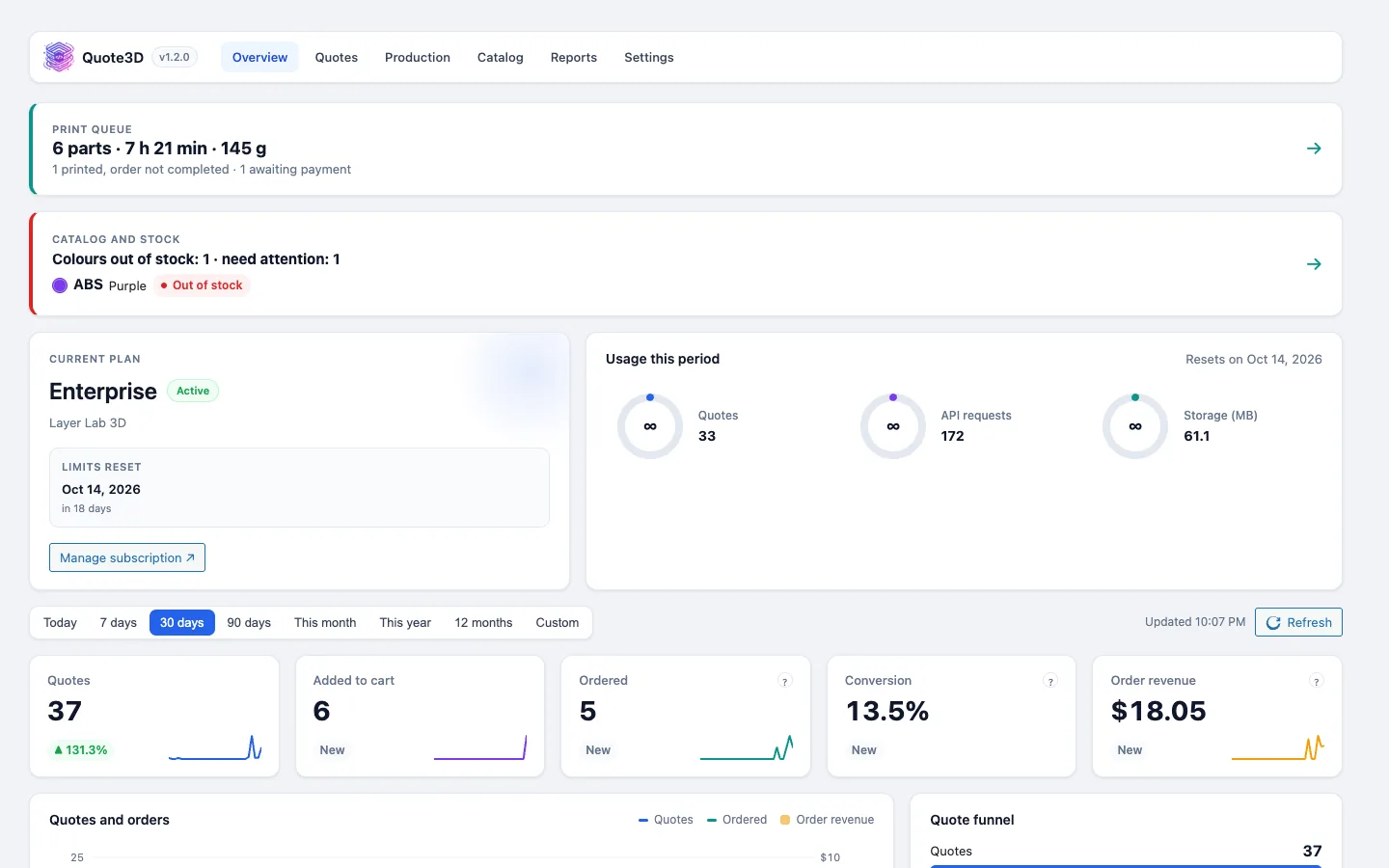
What you get
Verified cart price
The quote price is read from the Quote3D API on your server. The cart line stays at quantity 1 and at that price.
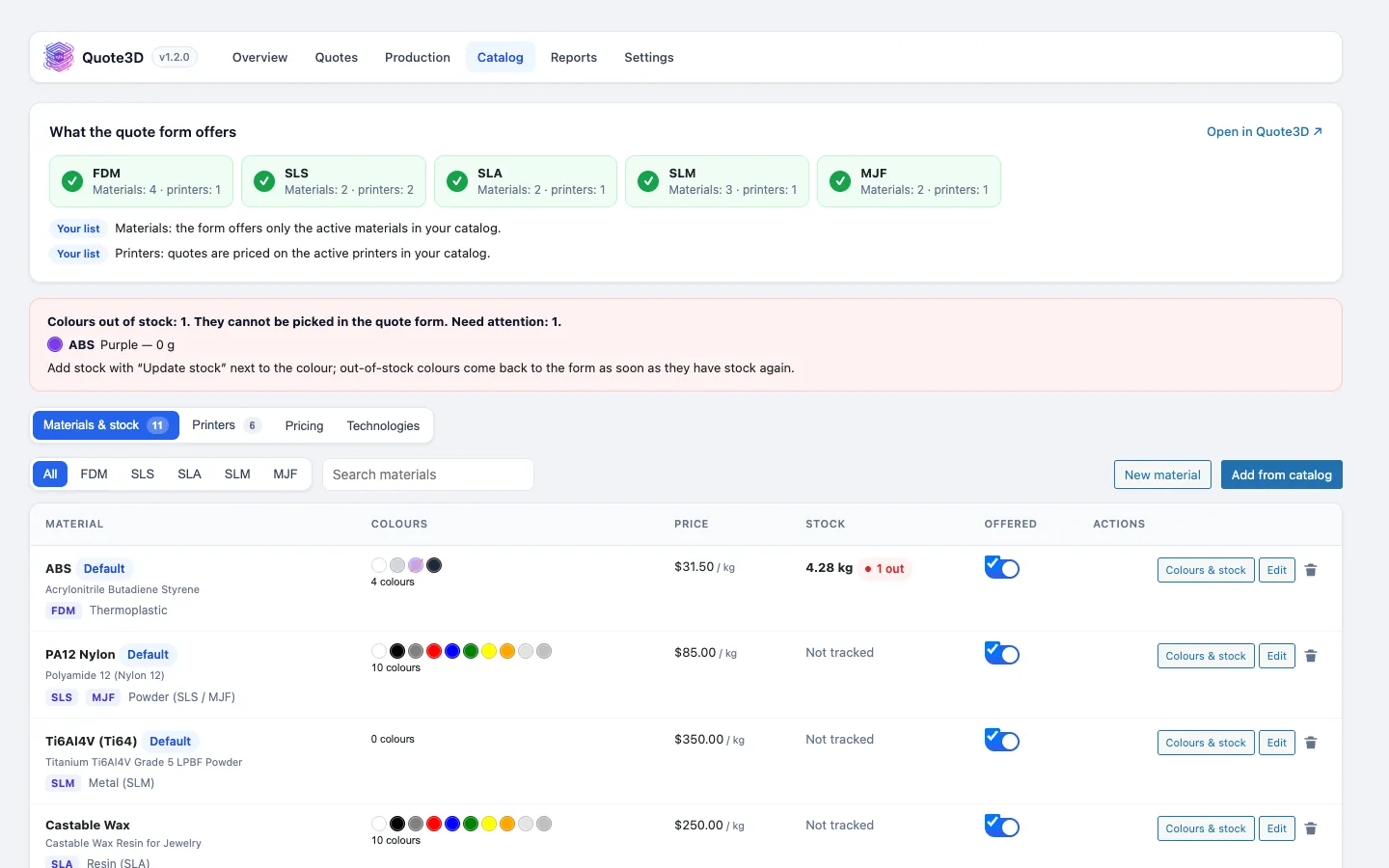
Quote3D admin menu
Overview, Quotes, Production, Catalogue, Reports and Settings in the OpenCart admin, with a setup wizard.
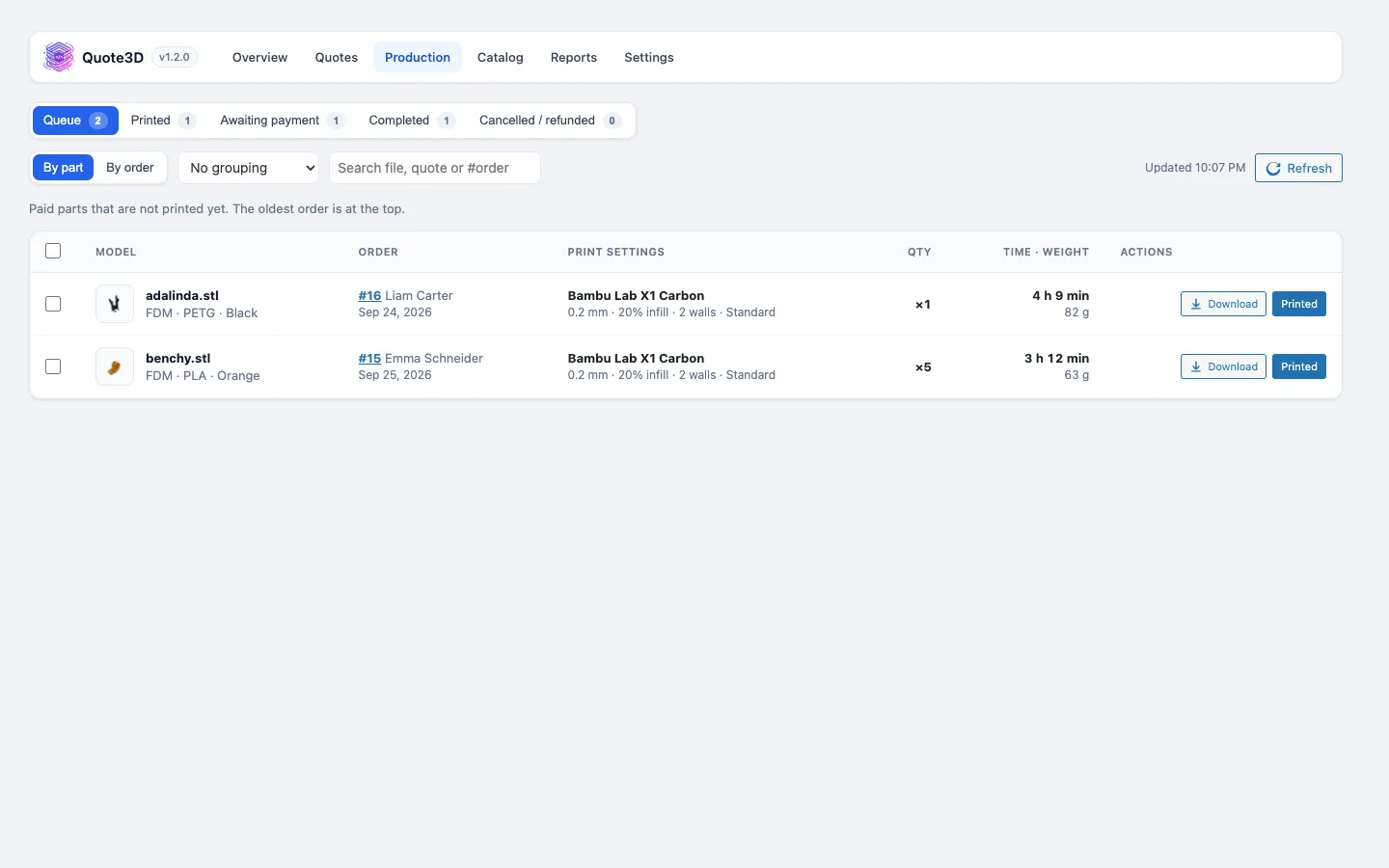
Order history notes
Every production and stock step is written to the order history without emailing the customer. The order page shows each quote with a Download model button.
Colour stock that follows orders
Paid orders take colours out of your Quote3D stock, and cancelled or refunded orders put unprinted parts back.
Product switch or layout module
Switch on "Quote3D configurator" on a product's edit page, or add the Quote3D module to a layout position.
OpenCart 3 and 4
One package per major version. OpenCart 3 applies the quoted price through a small OCMOD modification.
Screenshots
Requirements
- OpenCart 3.0.x, 4.0.2.2–4.0.2.3 or 4.1.x (4.0.0–4.0.2.1 are not supported)
- A paid Quote3D plan (widget token and server token)
- Default currency that matches your Quote3D pricing currency
Installation
- 1Extensions › Installer: upload quote3d.ocmod.zip for OpenCart 4, or quote3d-opencart3.ocmod.zip for OpenCart 3 and then click Refresh under Extensions › Modifications.
- 2Extensions › Extensions › Modules › Quote3D › Install.
- 3Open Quote3D › Settings, choose the language, paste your tokens and let "Create one for me" set up the cart product.
- 4Switch on "Quote3D configurator" on a product.
Frequently asked questions
- Why are OpenCart 4.0.0 to 4.0.2.1 not supported?
- Those versions cannot keep a fixed price on a cart line, so the extension refuses to add quotes there.
- Can shoppers change the price in the browser?
- No. The browser sends only the quote ID. The extension reads the price from the Quote3D API on your server before the part goes into the cart.
- Does "Mark complete" email the customer?
- No. It sets the order to your first Complete status without an email, because OpenCart sends status emails only through its storefront API.
- How do I update from version 1.1.0?
- Upload the new zip, then uninstall and install the module. Your token, host, language and cart product are kept.
Other integrations
Take 3D printing orders on OpenCart
Create a Quote3D account, set up your printers, materials and prices once, and connect your shop with two tokens.